Why I built it
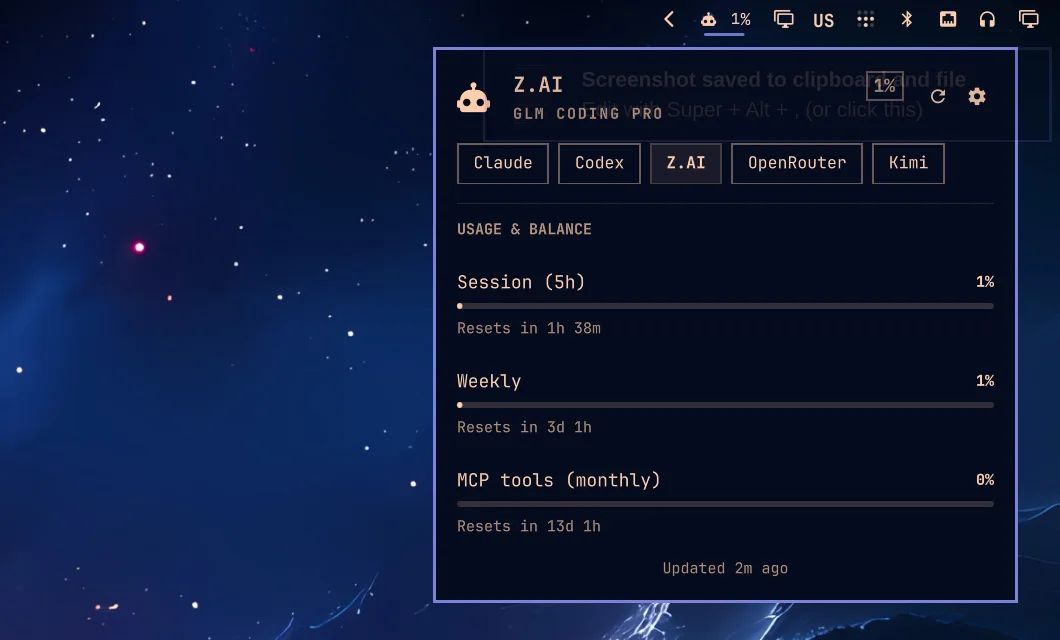
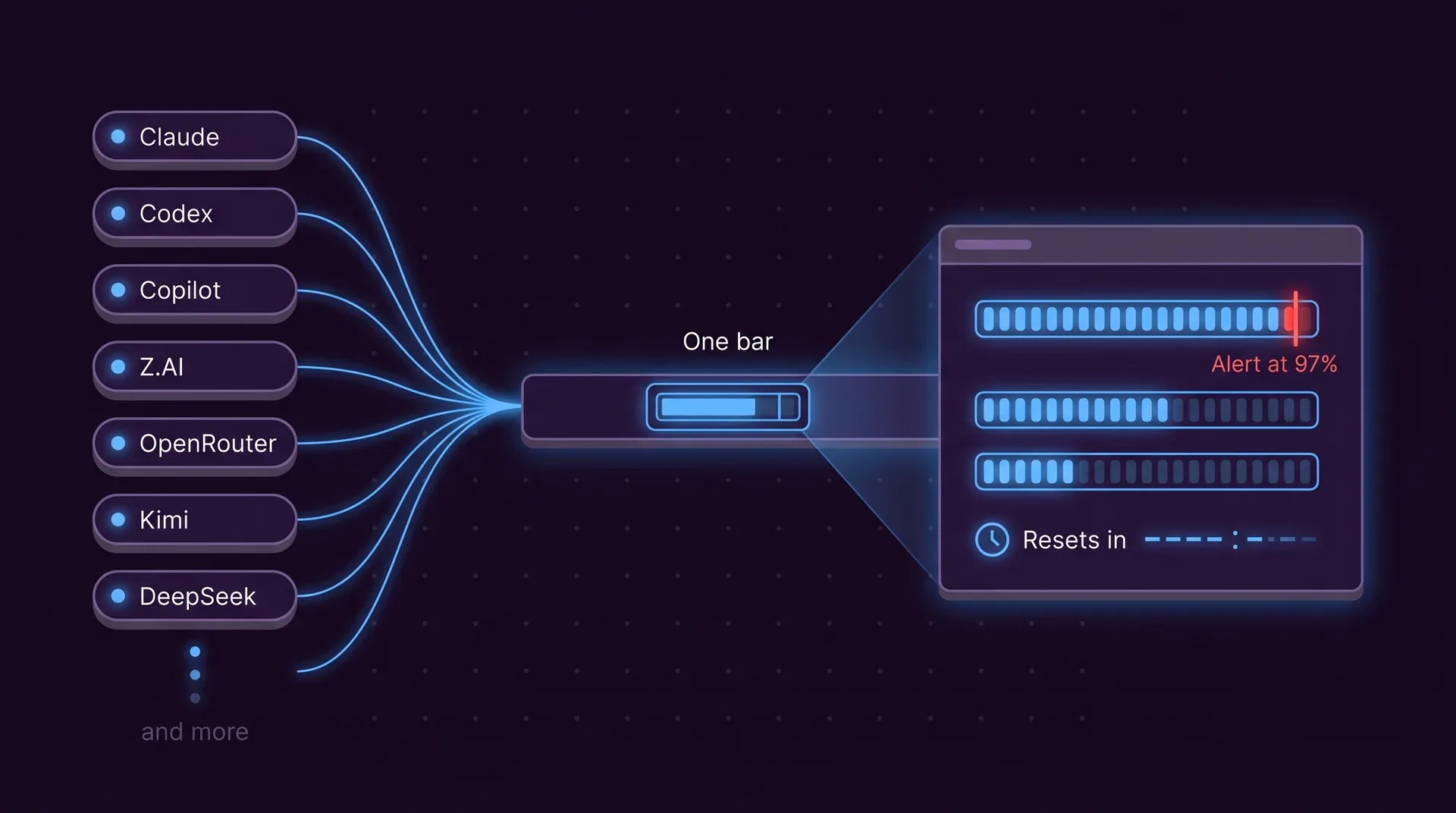
I pay for several coding plans and each one meters differently: a 5-hour window here, a weekly cap there, a prepaid balance somewhere else. Opening five dashboards to decide which agent gets the next task was silly. Now one glance at the bar tells me.
Wherever you work
The same Rust core feeds every front end, so the numbers match everywhere.
Terminal UI
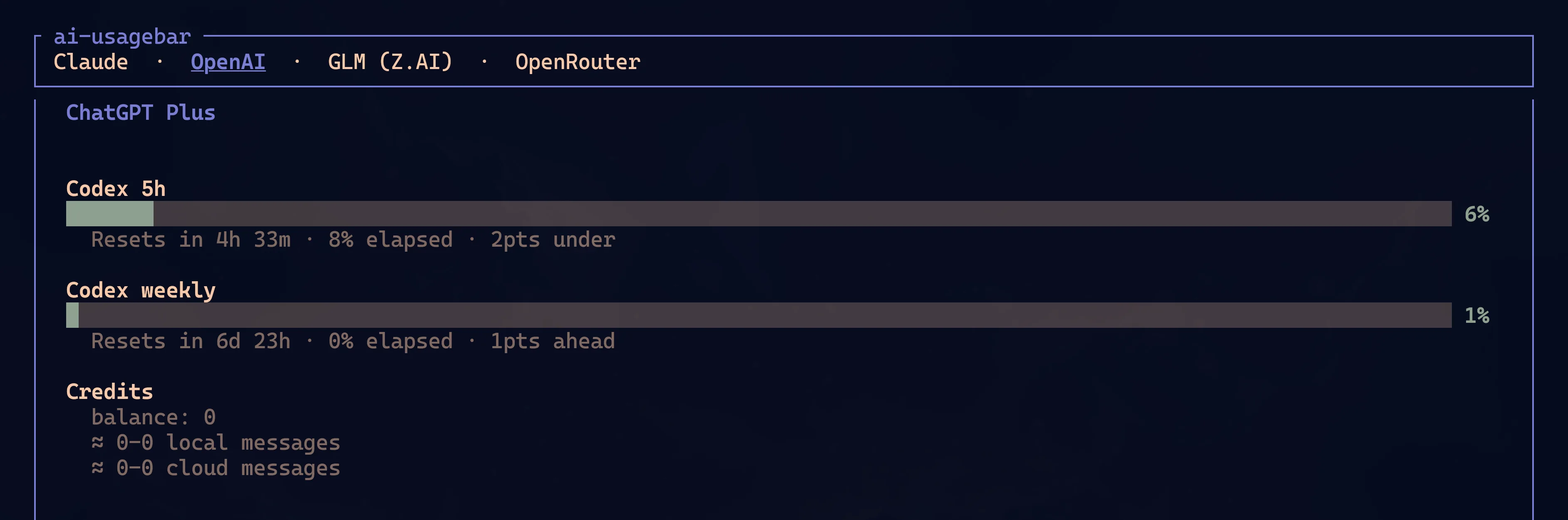
ai-usagebar-tui: a tab per provider, refreshed every 60 seconds, with a settings overlay.
macOS menu bar
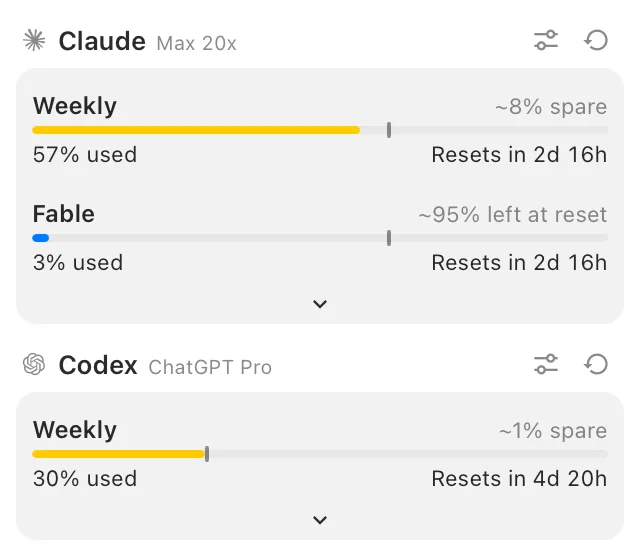
A native popover with every enabled provider, pace markers and reset times.
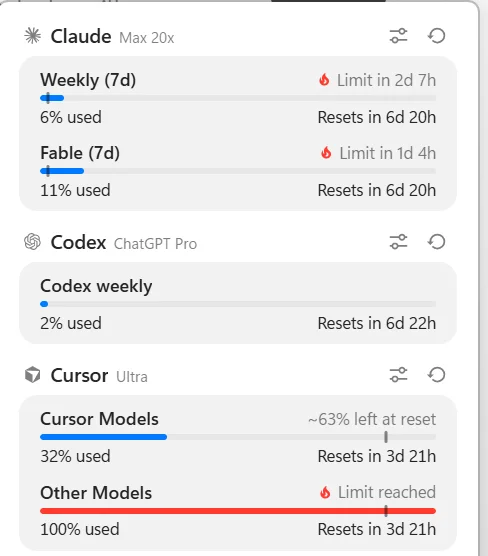
Windows tray
A notification-area icon with a WebView2 popover. Installs with Scoop.
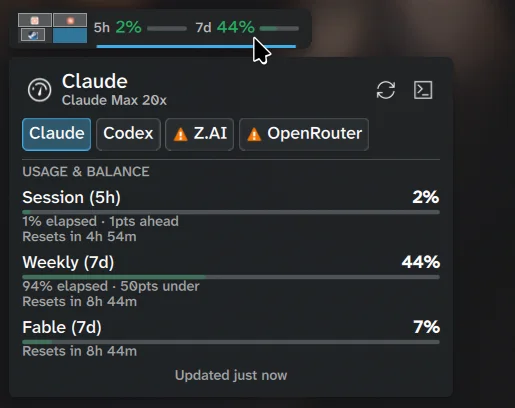
KDE Plasma 6
A plasmoid with provider tabs. Each applet instance can follow a different provider.
What it does for you
Alerts before the wall
A desktop notification when a quota window crosses 97%, a critical one at 100%, and a warning 48 hours before banked reset credits expire. The threshold is yours to change.
Finds your accounts
ai-usagebar detect turns on every provider that already has a credential on the machine. It reads local files and keychains, never the network.
Keeps showing the last good number
Network failures keep the previous data on screen. A provider that answers HTTP 429 is left alone for five minutes.
Several accounts
Named Claude, Codex and OpenRouter accounts side by side, each with its own entry.
Drop-in for claudebar
Same Waybar JSON, flags, Pango tooltip, Omarchy theme detection and locked OAuth refresh.
Scriptable
ai-usagebar usage --json prints every provider's quota and reset time as one document.
24 providers
The command line and the TUI support all of them. Desktop coverage varies by integration; the README has the table.
- Claude
- Anthropic API
- Codex
- GitHub Copilot
- Z.AI
- OpenRouter
- DeepSeek
- Kimi
- Kilo
- Novita
- Moonshot
- Grok
- SuperGrok
- Grok Bot
- Antigravity
- Cursor
- MiniMax
- Kiro
- Nous Research
- OpenCode Go
- Command Code
- Ollama Cloud
- OrcaRouter
- Model Studio
Install
Pick your platform. On Omarchy Quattro you need both the binary and the plugin.
omarchy pkg aur add ai-usagebar-bin && omarchy plugin add https://github.com/akitaonrails/ai-usagebar.git --enableyay -S ai-usagebar-bin # prebuiltyay -S ai-usagebar # from sourcecargo binstall ai-usagebar # prebuiltcargo install ai-usagebar # from sourcenix profile install github:akitaonrails/ai-usagebarscoop bucket add akitaonrails https://github.com/akitaonrails/scoop-bucketscoop install ai-usagebarThen turn on what you already use and look:
ai-usagebar detect # enable providers you already have credentials forai-usagebar usage # every quota and reset timeai-usagebar-tui # the terminal UIEverything here is open source
The tools, the skills and the benchmark are public repositories. Fork them and build the version that fits the way you work.